
#9084 closed Bug (fixed)
Move Images to position:absolute no working in IE7
| Reported by: | ivan | Owned by: | Frederico Caldeira Knabben |
|---|---|---|---|
| Priority: | Normal | Milestone: | CKEditor 3.6.4 |
| Component: | General | Version: | |
| Keywords: | Cc: |
Description
Hello,
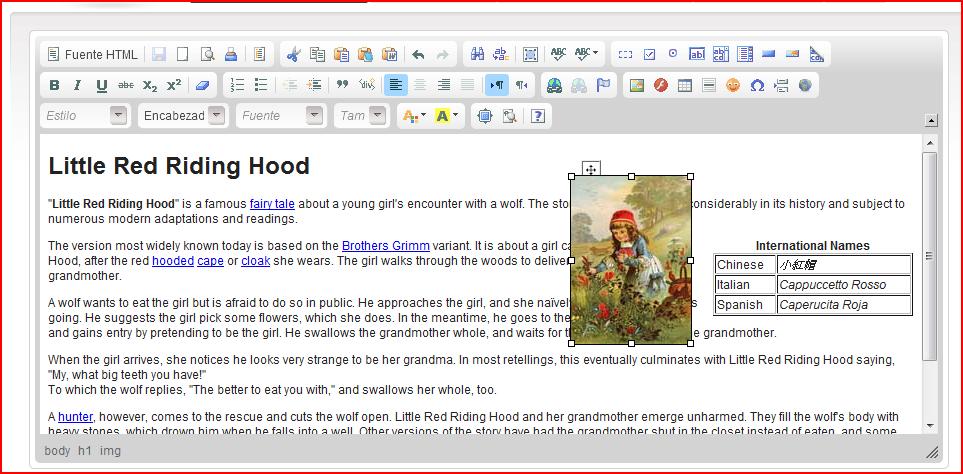
I need to move images into de editor to a position:absolute. In Firefox works fine, but with IE7 not working.
The attached file working in Firefox, and sample which I need in IE7.
Thanks a lot
Attachments (4)
Change History (23)
Changed 14 years ago by
| Attachment: | CKEDITORFF.jpg added |
|---|
comment:1 Changed 14 years ago by
| Resolution: | → wontfix |
|---|---|
| Status: | new → closed |
What you have shown me on the picture is a browser feature and not CKEditor feature.
Just to make sure I have checked it. If you add position:absolute; to an image it is possible to drag it in Firefox, Webkit and IE (all versions). Not sure what the problem is. All you have to do is click on image so that it got selected and start moving it.
NOTES:
comment:2 Changed 14 years ago by
I assume that besides position:absolute; you have added top and left then dragging as described above is not possible. It is possible in Firefox when you use this "cross handle" but like I've said it is a browser feature and not CKEditor feature.
comment:3 Changed 14 years ago by
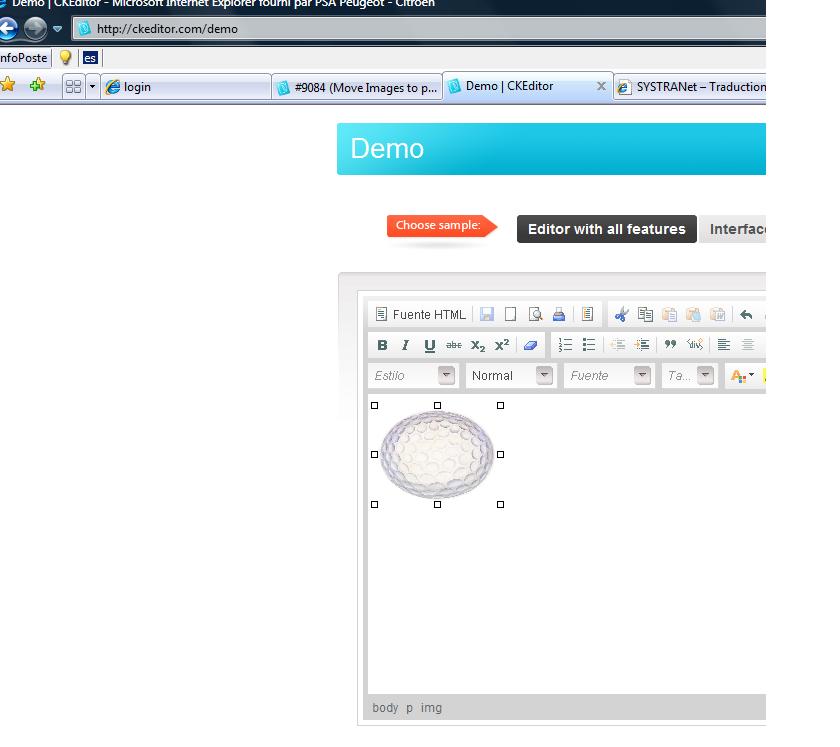
Thanks for your soon answer, but when the editor is empty, and you insert an image , in IE7 move image not working. I added position:absolute, and i try to add top, left, but the image not moving.
Please,i need help with this problem, since of which works, depend weeks on work. I am trying with demo of the ckeditor Web and changing the image properties, but nothing, is no way to move the image with IE7.
Changed 14 years ago by
| Attachment: | 9084.patch added |
|---|
comment:4 Changed 14 years ago by
| Resolution: | wontfix |
|---|---|
| Status: | closed → reopened |
comment:5 Changed 14 years ago by
| Owner: | set to Frederico Caldeira Knabben |
|---|---|
| Status: | reopened → review |
comment:6 Changed 14 years ago by
I added this code in my wysiwygarea/plugin.js but in the line 950, into the function loadData, but i can´t move images, tables, etc in my IE7
comment:7 Changed 14 years ago by
Patch seems to work but I'm not sure if it doesn't break anything else.
FF has this feature by default. IE will to thanks to the patch. Webkit and Opera don't support it at all.
NOTE:
In IE body is very small by default. It has one line height.
You have to add some container with height or give height to body otherwise you'll be able to drag image in line (left and right).
Workarounds for now (before patch gets implemented):
- Code that you can use on page to enable dragging in IE
CKEDITOR.on( 'instanceReady', function( evt ) {
	if(CKEDITOR.env.ie){
		evt.editor.on( 'contentDom', function( ev ){
			ev.editor.document.$.execCommand ("2D-position", false, true);
		});
		evt.editor.fire( 'contentDom' );
	}
});
- Patch. Just put plugin code into ckecitor/plugins or ckeditor/_source/plugins (depends what you are importing on page ckecitor.js or ckeditor_source.js). Next add
extraPluginsin configuration for ckeditor (config.js or page)CKEDITOR.replace( 'editor1',{ extraPlugins : 'dragie' }); or in config.js config.extraPlugins = 'dragie';
Changed 14 years ago by
| Attachment: | dragie.zip added |
|---|
comment:8 Changed 14 years ago by
@IvanToro you need to refresh (CRTL+5 is not enough) the cache first in IE.
comment:9 Changed 14 years ago by
thank you very much, i will test this now, and i tell you,
thansk a lot !!!!!!!!
comment:10 follow-up: 13 Changed 14 years ago by
sorry, the first option ,
CKEDITOR.on( 'instanceReady', function( evt ) {
if(CKEDITOR.env.ie){
evt.editor.on( 'contentDom', function( ev ){
ev.editor.document.$.execCommand ("2D-position", false, true);
}); evt.editor.fire( 'contentDom' );
}
});
where i have to add this code ?
comment:11 Changed 14 years ago by
| Milestone: | → CKEditor 3.6.4 |
|---|---|
| Status: | review → review_passed |
comment:12 Changed 14 years ago by
| Resolution: | → fixed |
|---|---|
| Status: | review_passed → closed |
Fixed with [7544].
comment:13 Changed 14 years ago by
Replying to IvanToro:
where i have to add this code ?
To keep it simple, starting tomorrow, you'll be able to download a fixed version of CKEditor from our nightly build.
comment:15 Changed 14 years ago by
If you want you can put this code on page where CKEditor is called. Under the below function.
CKEDITOR.replace( 'editor1');
comment:16 Changed 14 years ago by
Thank you very much to all for your help. It works perfectly !!!!
Saludos!!
comment:17 Changed 14 years ago by
Hello , i am testing move images on IE, and i have only one problem.
How i can change the height IE body default ??
Thank you very much!
"NOTE: In IE body is very small by default. It has one line height. You have to add some container with height or give height to body otherwise you'll be able to drag image in line (left and right)."
comment:18 Changed 14 years ago by
Please keep in mind that this is bug report site and not forum or support.
Body height of an iframe is better to be left unchanged at all.
If you really need it you can E.g. set sizes for body in contents.css, you can start editor with div (main container) that has width and height defined.



Move images with Firefox